




December 9, 2025 / Blog / By administrator
What user-friendly features can the touchscreen pod kit offer?
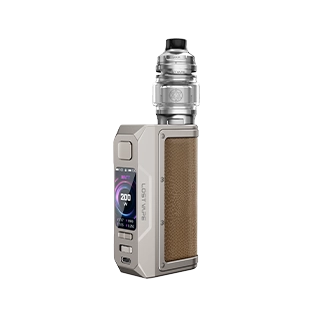
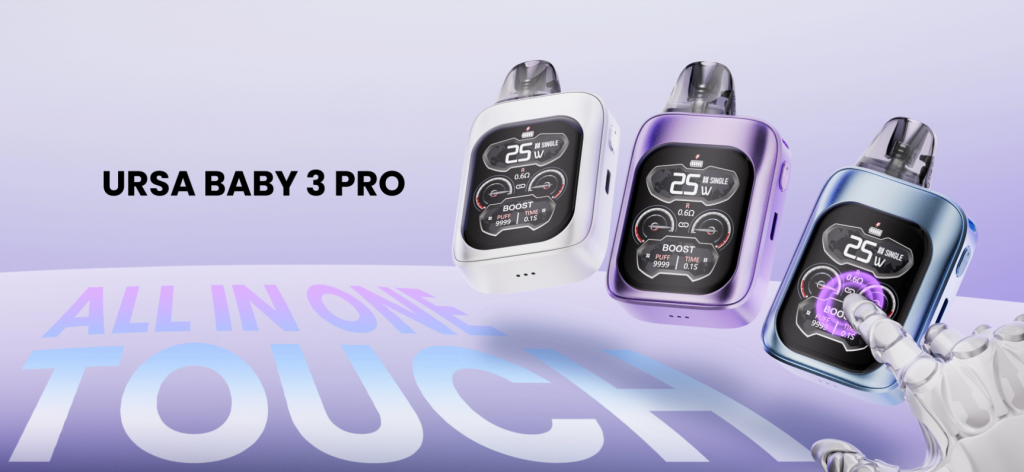
Pod kits have evolved from simple button-operated devices into feature-rich, user-centric devices. Among these upgrades, the emergence of touchscreen pod kits offers users a significantly improved experience. It transforms the interaction mode from memorizing button sequences to intuitive visual control—the very mode that popularized smartphones. Devices like the URSA BABY 3 PRO demonstrate how a well-designed touchscreen pod kit can perfectly integrate powerful performance, ease of use, and smart features into a compact body, appealing to both novice and experienced pod users.
2.01-inch Full-Color Screen, Intuitively Controlled Touchscreen Pod Kit
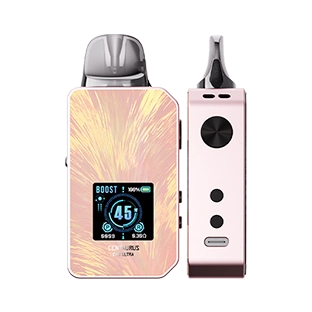
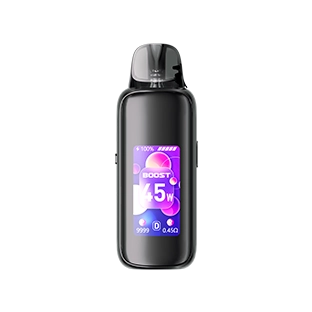
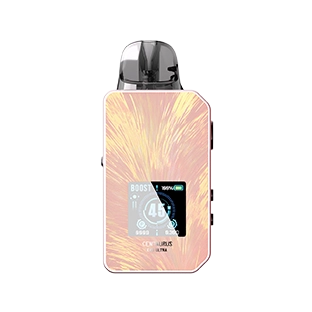
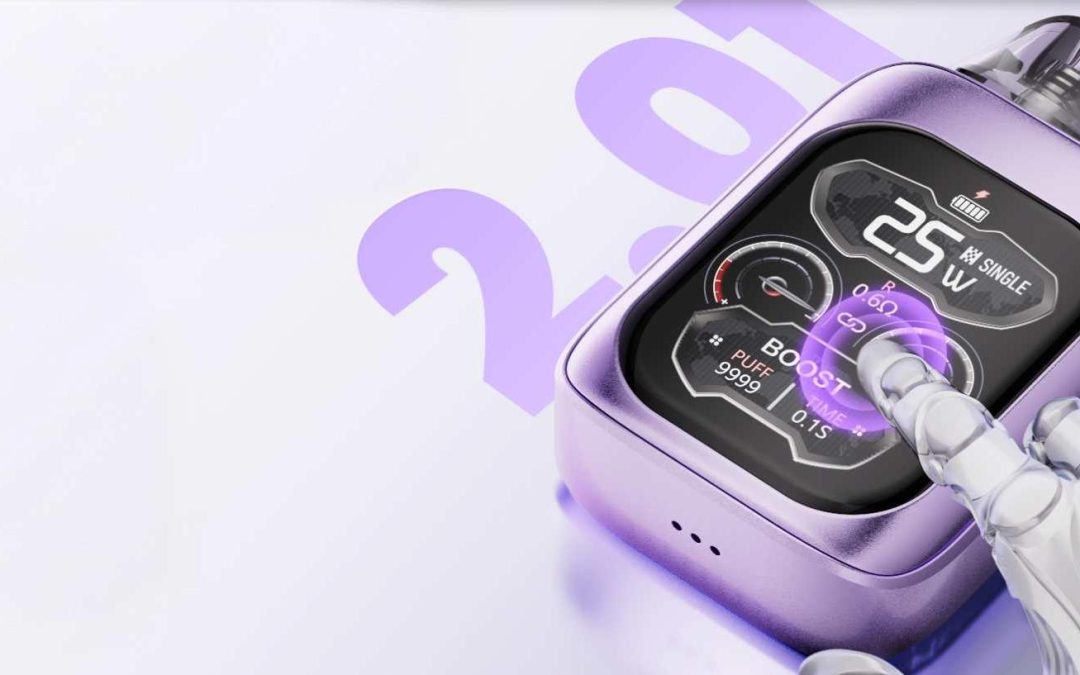
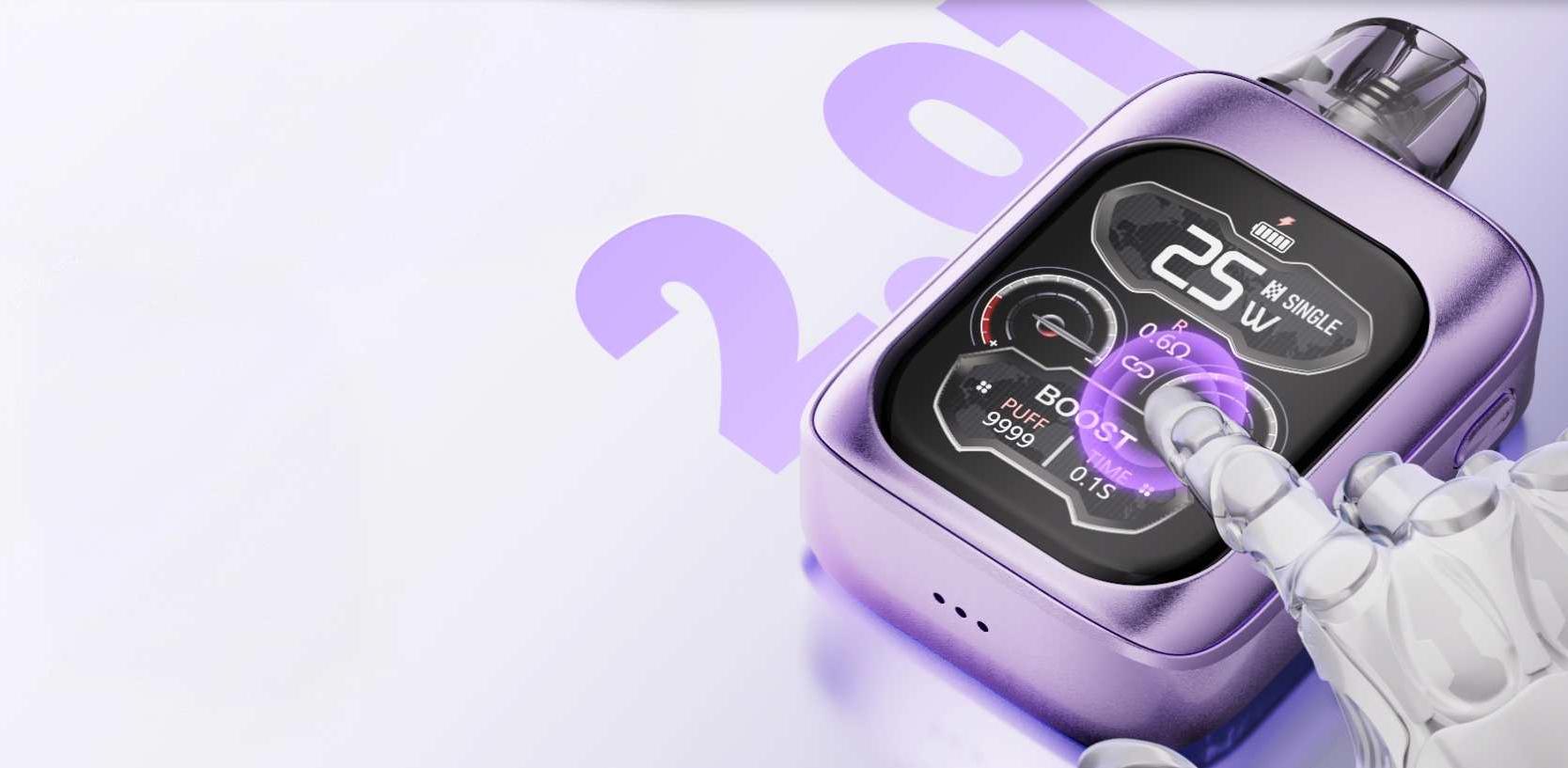
The core advantage of touchscreen pod kits lies in their user interface. Traditional e-cigarette kits require multiple clicks and combinations of short and long presses to navigate menus. In contrast, the URSA BABY 3 PRO features a 2.01-inch full-color touchscreen, enabling users to interact with the device through natural gestures such as taps, swipes, and clicks.
Firstly, the larger, more vibrant display better presents information. Users no longer see single lines of text or tiny battery icons, but relatively straightforward visual cues: current power, selected mode, number of vapes, battery percentage, and activity notifications. These elements are logically arranged on the screen for easy viewing. Secondly, swipes and touch controls allow for more precise adjustments. For example, tapping the power reading and swiping up or down to switch outputs provides haptic feedback similar to that of mobile devices. The URSA BABY 3 PRO’s screen prioritizes clarity and ease of use, demonstrating how screen size and software design work together to make the pod kit more user-friendly.
App Integration, Notifications, and Remote Functionality
As a touchscreen pod kit, the URSA BABY 3 PRO can significantly expand its functionality by pairing with a smartphone app. The URSA BABY 3 PRO demonstrates how app connectivity transforms the pod kit into a smart accessory integrated into daily life. App functionality not only brings practical convenience but also enhances product value.
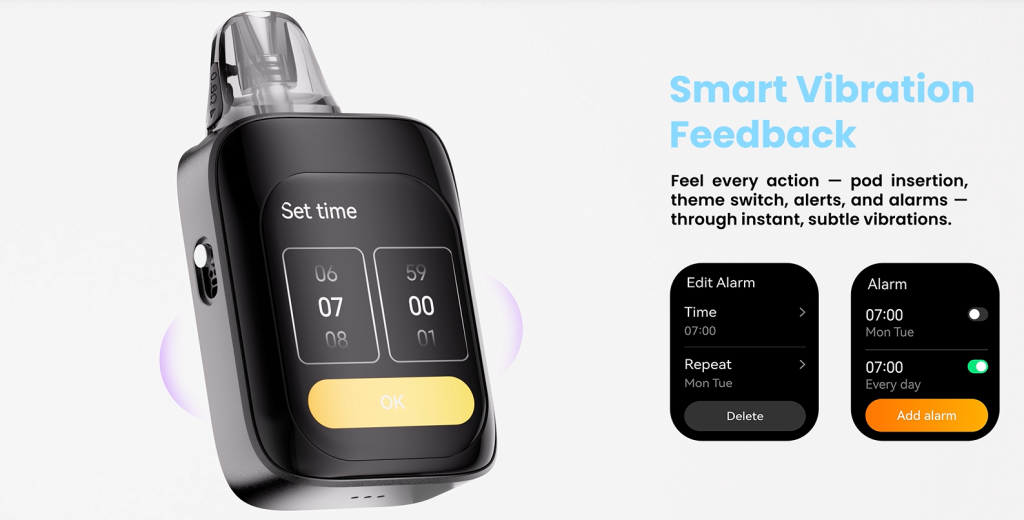
Firstly, connectivity supports personalized settings management. Users can store multiple customized wallpapers. Secondly, notification and alert functions connect the smartphone and pod kit ecosystem. Once granted the necessary permissions, the pod kit can mirror notifications—small, inconspicuous prompts such as messages or calendar reminders—that the device displays or acknowledges with a slight vibration. Third, the app supports remote functions, such as locating the phone or pod kit, firmware updates, and remote control of the phone’s camera shutter. In short, the app’s connectivity transforms the touchscreen pod kit from a standalone tool into an adaptable and upgradeable companion.
Touchscreen pod kit with safety, diagnostics, and smart protection features
For consumers choosing pod kits, safety is paramount. Touchscreen pod kits excel in this regard because they clearly display and easily understand protection and diagnostic information. The URSA BABY 3 PRO-style touchscreen displays explicit information, such as “Short circuit detected,” “Low battery – 10%,” or “Cartridge not installed correctly,” rather than traditional LED flashes or short beeps. This reduces user confusion and helps them take quick corrective action.
In addition to basic prompts, touchscreen pod kits also showcase active diagnostics. For example, coil health indicators, cartridge sealing status, and charging status can all be displayed on the device in a clear and easy-to-understand manner. This transparent design helps extend cartridge life and ensures safe use. Many modern pod kits include automatic coil recognition, and touchscreen pod kits can present the recognition results in the user interface as recommended wattage and estimated remaining coil life. For users, this means fewer burnt coils and more predictable maintenance cycles.
Ergonomic, Convenient Battery Management, and Easy Charging
Touchscreen pod kits should balance aesthetics and functionality: the display screen only truly functions when the device is comfortable and easy to hold. For example, Lostvape’s URSA BABY 3 PRO features a compact, convenient body, balanced weight distribution, and a comfortable cartridge connection, ensuring the pod kit has a large display screen while maintaining a good feel. Excellent ergonomic design, combined with touchscreen functionality, means users do not have to sacrifice portability for functionality.
In terms of power management, the touchscreen pod kit instantly displays clear and easy-to-read battery indicators—battery percentage, estimated remaining vapes, and charging progress—helping users plan charging times instead of guessing. Furthermore, the intelligent power-saving mode, controlled via the touchscreen, reduces unnecessary battery consumption, ensuring efficient operation of the pod kit without compromising the user experience.
It redefines how users interact with e-cigarette technology.
As a touchscreen pod kit, the URSA BABY 3 PRO integrates a small, easily readable display, intuitive touch gestures, app connectivity, haptic feedback, maintenance assistance, safety diagnostics, and high-end industrial design, showcasing the tangible benefits of human-centered innovation. It allows users to enjoy faster onboarding, fewer errors, longer device lifespan, and a more satisfying user experience. Most importantly, the touchscreen integration solves practical problems: it reduces confusion for new users and empowers experienced users with precise control.